
I have always been a fan of asciinema and of Charm's VHS. asciinema records a terminal while you use it, and VHS types a script of commands into a terminal and films the result. I wanted their animations in the READMEs of my projects, but I always forgot the syntax of VHS's tape files, and I always mistyped a command halfway through an asciinema recording (and then started again). I also always forgot to re-run those recordings when my API changed, and they got out of sync quickly.
Fortunately, most of my projects already check their command-line output with cram tests, transcripts of shell commands and of what they print, which dune, OCaml's build system, runs as tests. Making those tests produce animated images was a short stretch, and then, why stop there? The result is k7 (how the French write cassette, if you say it out loud), a command-line tool that records any program, whatever its language, as an SVG image animated with CSS alone.
Here is ls, and sl, which I
regularly enjoy mistyping. Each took one command, such as k7 rec -o sl.svg -- sl, which generates an animation you can embed in any HTML
page (and in your projects' READMEs).
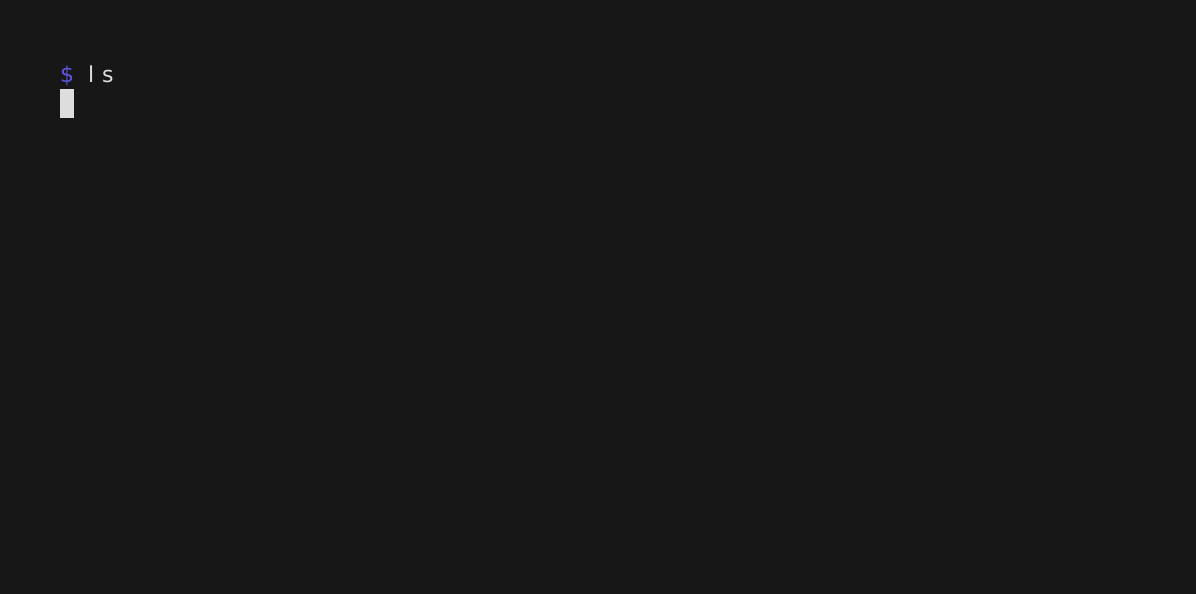
ls, as I meant to type it.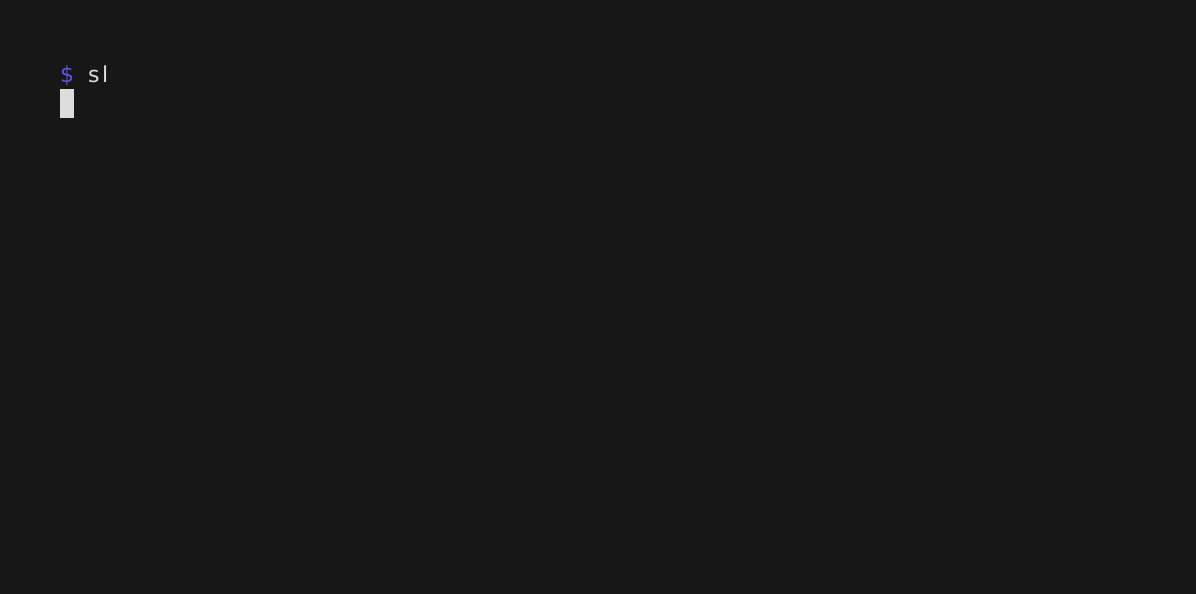
sl, as I actually typed it.Animations that dune checks
I was not the first to draw a terminal as an animated SVG. termtosvg (now archived) and svg-term-cli do it too. What k7 adds, I think, is that it both writes and plays dune's cram tests.
A cram test is a text file that reads like a terminal session. Each
command is indented and starts with $ , the output it should print
sits below it, and any other line is a comment:
Print a greeting:

  $ printf 'hello\n'
  hello
dune test runs the commands of each test in a new empty directory and
compares what they print with the file. When the output changes, dune
shows the difference, and dune promote writes the new output into the
file.
k7 fits into that loop at both ends. k7 rec -o hello.t -- printf 'hello\n' writes the test above (without the comment). In the other
direction, k7 play types the commands of a cram test into
bash and draws what happens. The
image at the top of k7's
README comes from
doc/demo.t,
drawn by k7 play -o doc/demo.svg doc/demo.t. Dune runs the same file
as a test, so the test fails exactly when the image needs drawing again,
and drawing it again takes one command.
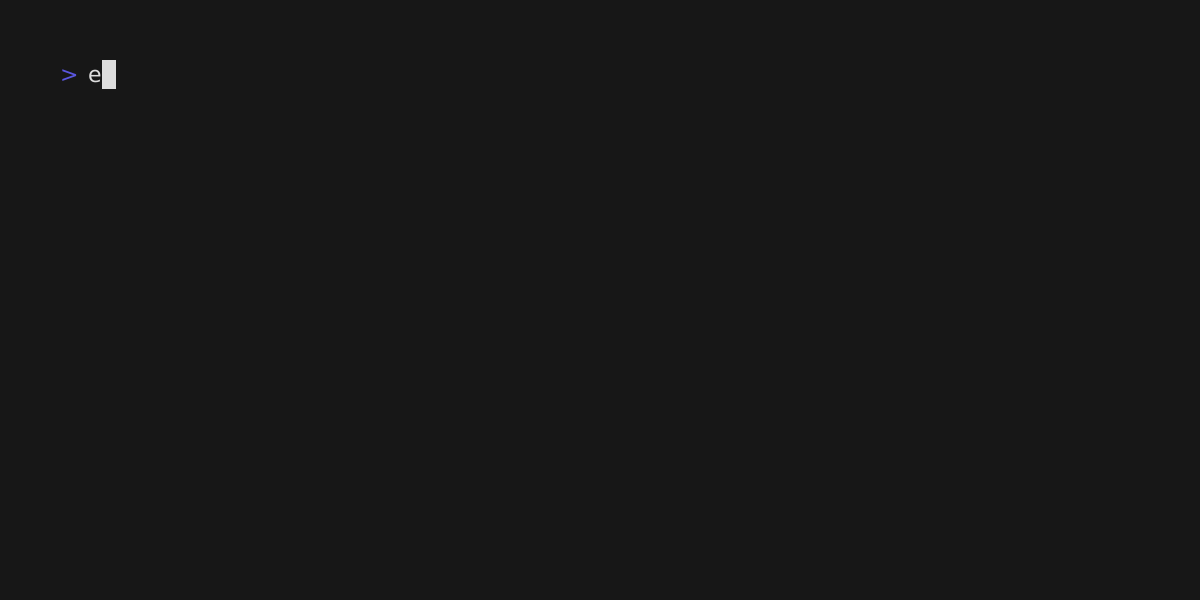
doc/demo.t from k7's repository, typed into bash by
k7 play.
The same screen as VHS, every time
k7 rec runs a program on a pseudo-terminal and feeds what it prints to
a terminal emulator,
matrix, from Thibaut
Mattio's
mosaic
project at Invariant
Systems. I wanted k7 to draw the same screens
as VHS, which runs xterm.js in a
browser, so I fixed the places where matrix and xterm.js disagreed and
sent the fixes
upstream.
Each time the program changes the screen, k7 keeps a copy of it, at
most 50 times a second (as in VHS). Each distinct line of text is
defined once, each frame refers to the lines it shows, and a single CSS
@keyframes rule slides the strip of frames, jumping to each one at the
time the program drew it.
This keeps the file small when most lines stay put: the image of ls
above takes 4 KB. A train crossing the screen is the worst case, and the
image of sl takes 356 KB. The GIF that VHS made of the same sl, on a
terminal of the same size, takes 2.1 MB. VHS drives a headless browser
and encodes the frames with ffmpeg, and on my
laptop it took 53 seconds, against 8 for k7 rec, about 7 of which were
sl itself.
A program like sl has no cram test, since its output is an animation
rather than text. For those, k7 rec -o sl.cast -- sl keeps the
recording itself, in asciinema's asciicast
v3 format, and k7 play draws it, or any asciinema recording, without running anything.
Recording is not deterministic, but drawing is. Record sl twice and
the two recordings differ, because the program never prints at quite the
same times. Draw one recording twice and you get the same file, byte for
byte. So dune can check a committed image against the recording beside
it:
(rule
 (target sl.generated.svg)
 (action
  (run k7 play -o %{target} %{dep:sl.cast})))

(rule
 (alias runtest)
 (action
  (diff sl.svg sl.generated.svg)))
A tape syntax the compiler remembers
That leaves the VHS tape syntax I kept forgetting. k7 plays .tape
files too, and in OCaml, the
K7 library
builds tapes as values instead, so the compiler remembers the syntax for
me:
let tape =
  K7.tape
    ~settings:K7.[ Font_size 18; Width 1000; Height 560 ]
    ~outputs:[ "demo.gif" ]
    K7.[ type' "dune test\n"; wait Prompt; sleep (Ms 2000) ]
K7.tape checks the tape against the rules of VHS's parser as soon as
it is built, theme name included, where VHS only notices a misspelt
theme when it runs the tape. Its tests hold it to vhs validate on 3000
random tape lines, as I held my Tailwind rewrite to Tailwind
itself.
Trying it
k7 0.9.0 is in my Homebrew tap, for macOS and Linux, and on opam for OCaml 5.4 and later:
$ brew install samoht/tap/k7
$ opam install k7
A few edge cases are not supported (the README lists
them), but for
most uses it seems to work fine. If k7 draws something differently from
VHS or asciinema, please open an
issue with the recording
(k7 rec -o bug.cast -- yourprogram makes one).
